
How To Install PC Matic Free Tools
PC Matic free will give you access to many useful tools, such as the Malware Scan, Country of Origin Scan, Browser Spam and Adblockers, File Shredder and Internet Speed Test. This article will explain how to install the PC Matic Free Tools app.
- Download the PC Matic installer file using the green Download Button above. When you install PC Matic the download might show at the bottom of the page or top right of the page.
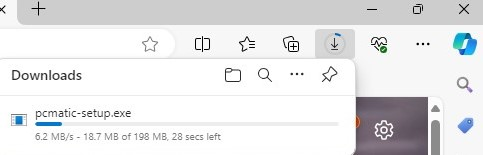
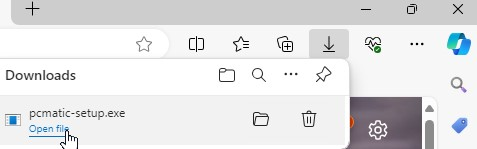
- Once the download completes, click on the download notification to open the file.
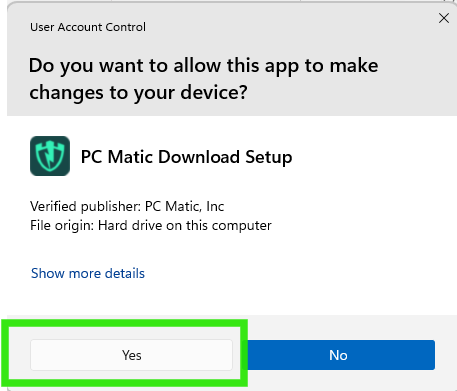
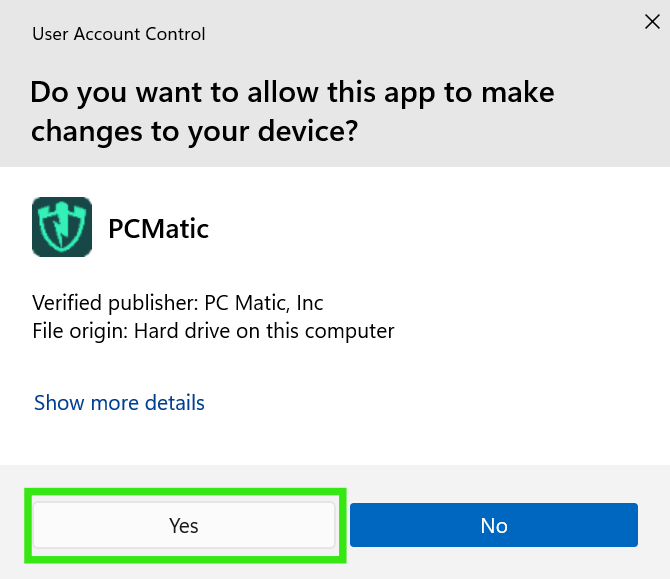
- If prompted with User Account Control, click Yes.
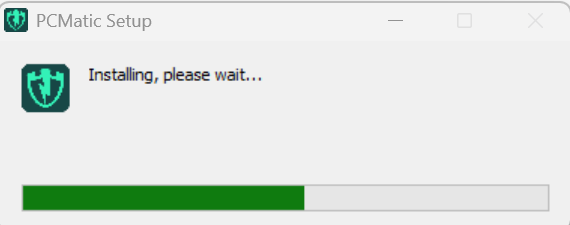
- Wait while the installation completes.
-
If you are prompted to allow the app to make changes, click Yes.
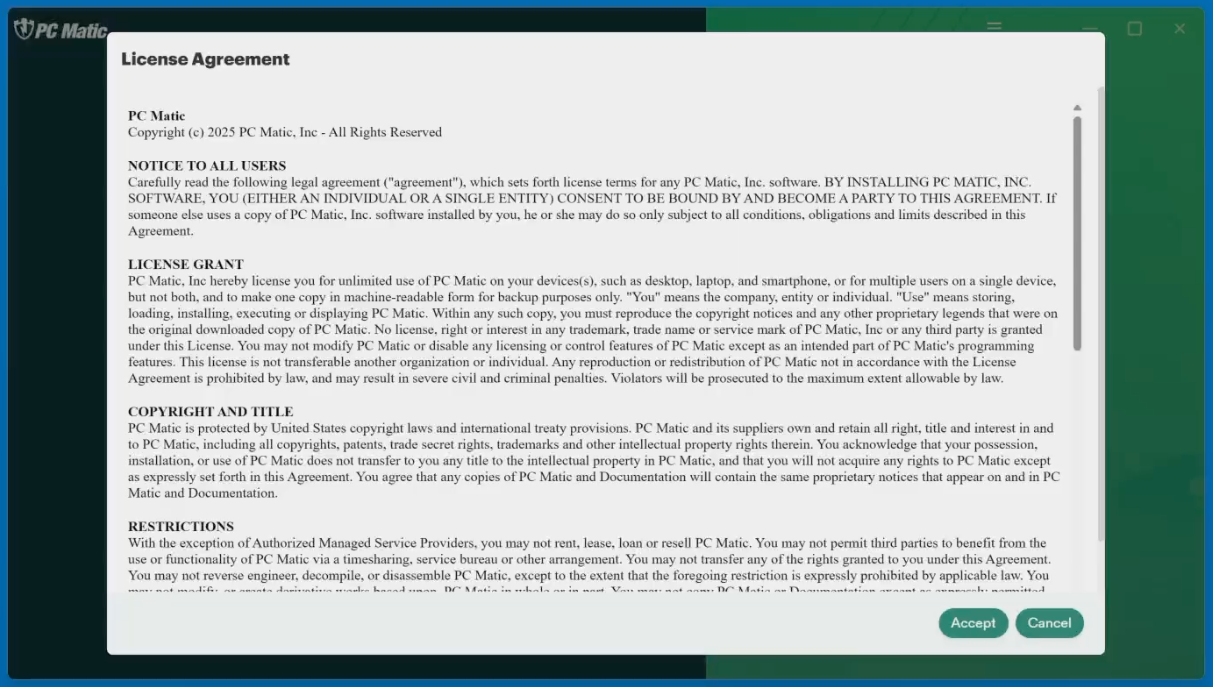
- Read and accept the License Agreement and click "I accept the agreement." Then Click Next.
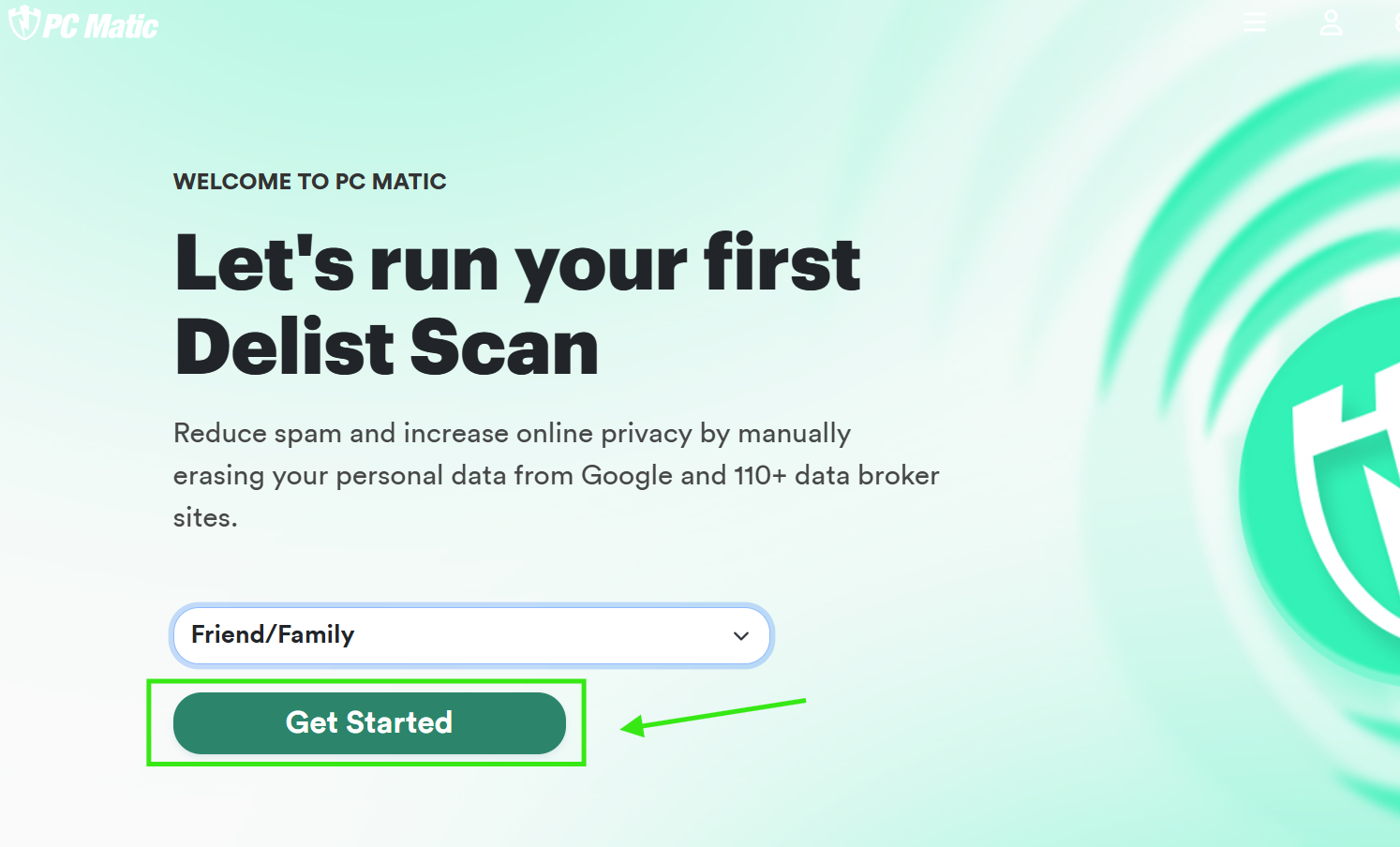
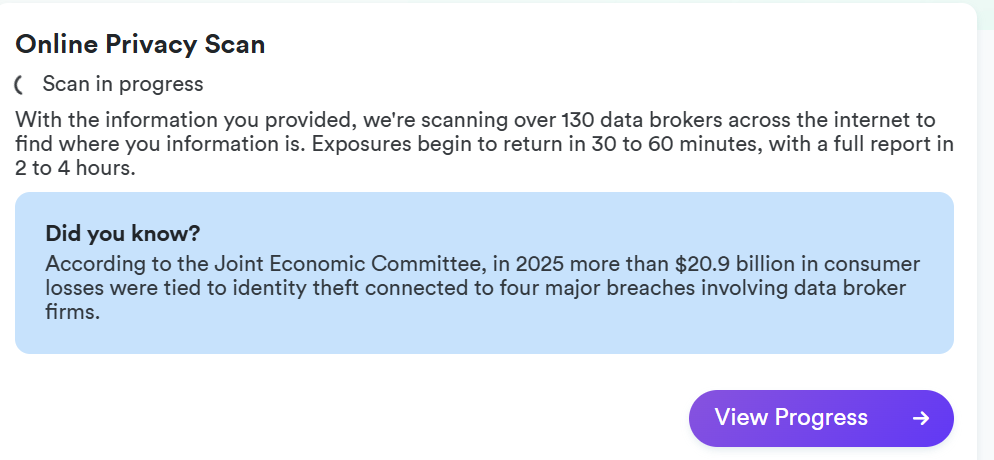
- Once you have agreed to the terms and conditions, you will be prompted to run your first Delist scan. Delist will scan Google and 110+ data broker sites, for your information. Data Brokers sell your information to scammers and telemarketers to be used in spam emails and cold calls.
- Select how you heard about the PC Matic free products, then click Get Started.
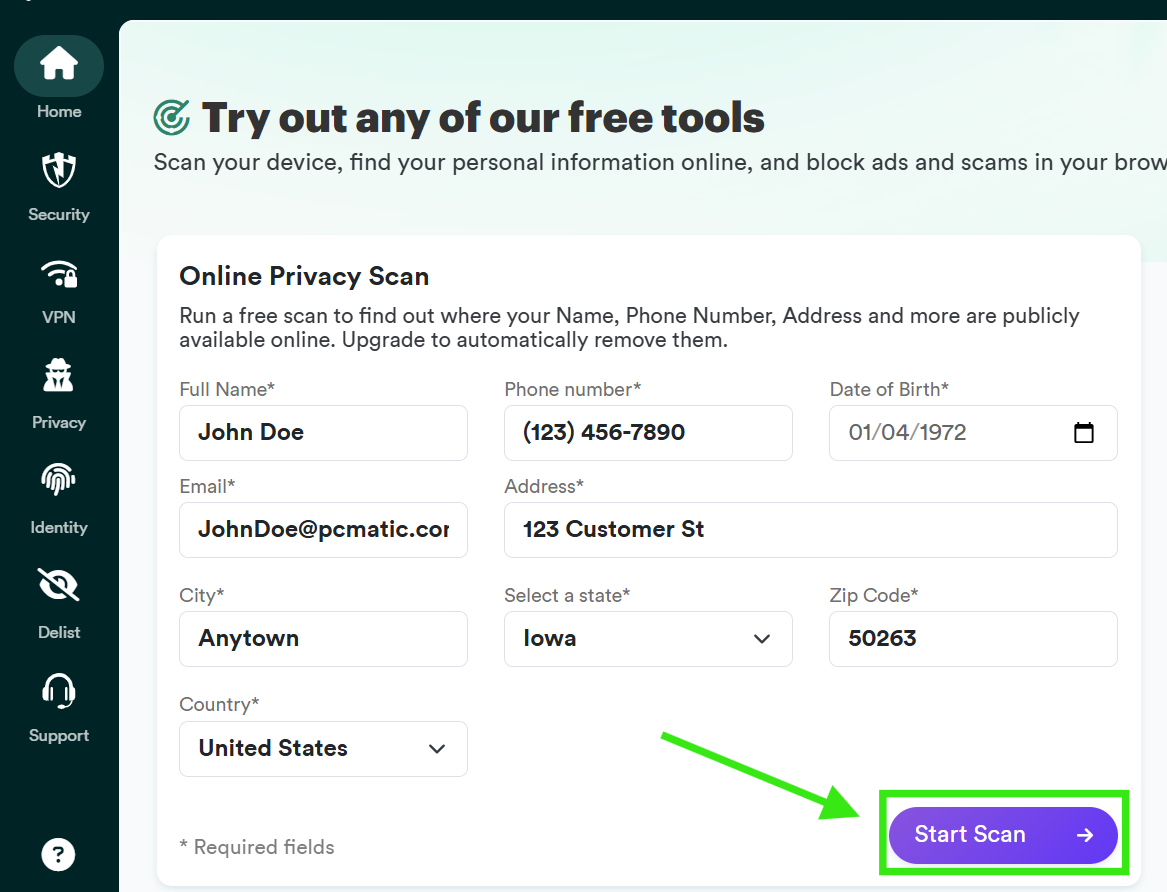
- Enter the information you would like Delist to scan for, then press the Start Scan button.
(If you wish to skip this process, you can come back to it later and still use the other tools)
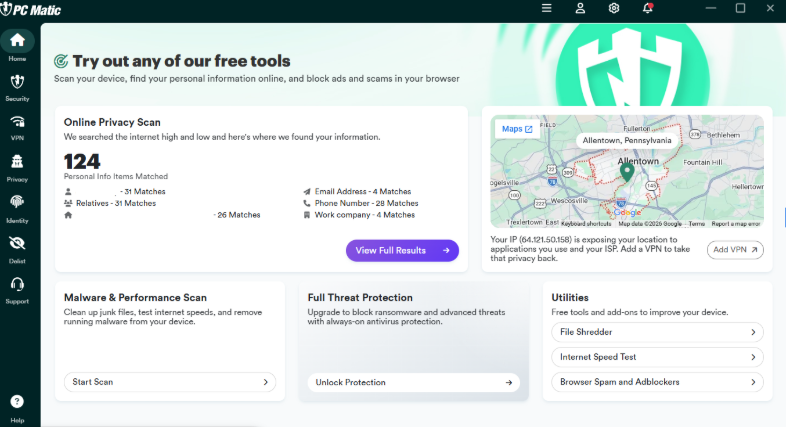
- The results will be revealed on the page once the scan is completed.
- If you would like instructions on how to use the free tool, please click the link below.