Disable Ad Blocker for certain sites
To disable the Ad Blocker for a specific page please follow the instructions below:
Select the puzzle piece icon next to the web address bar:

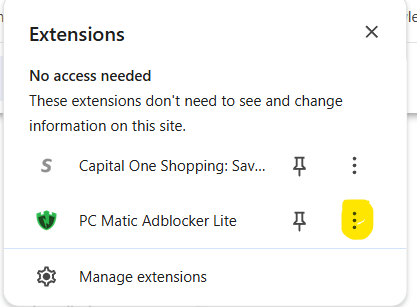
Click on the 3 dots next to PC Matic Ad Blocker Lite and select 'options':
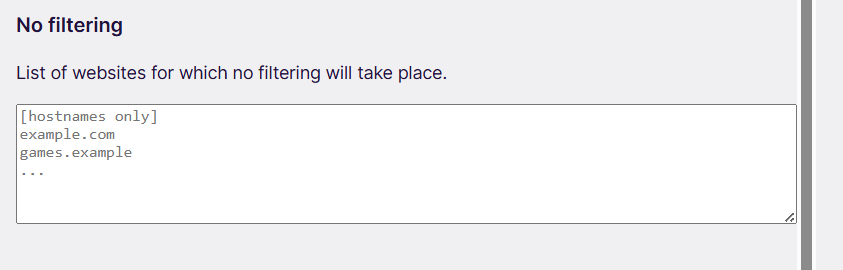
Under 'no filtering', enter the websites you want the ad blocker to ignore. Adding a site here ensures it functions normally without being filtered or blocked.