
Run an online diagnostic
1) Access the diagnostic test by clicking the link below:
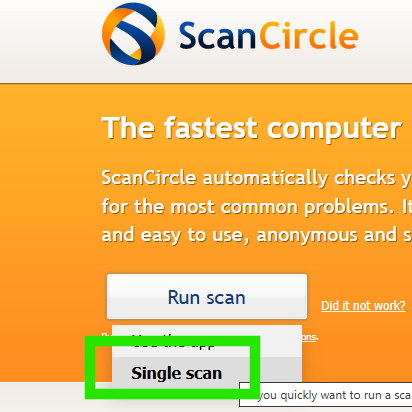
2) Once on the website, hover your mouse over the "Run Scan" button, and a drop down menu should appear. Choose "Single Scan" as seen below:
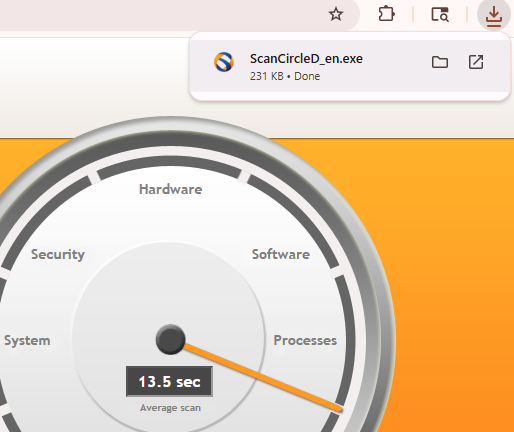
3) After you click "Single Scan", a file called ScanCircleD-en.exe will download on your device:
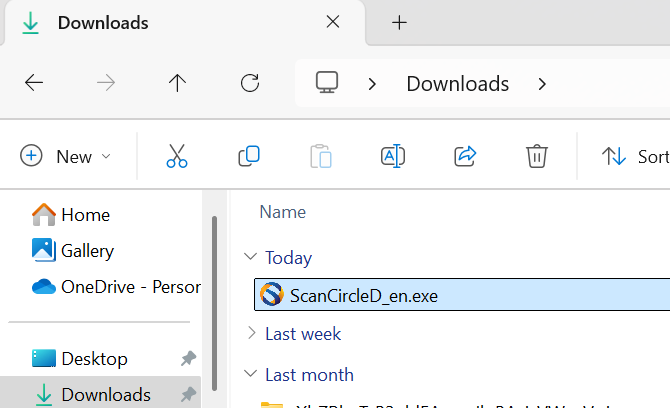
4) Go to your Downloads folder and double click the ScanCircleD_en.exe file as soon as it has completed downloading on your device.
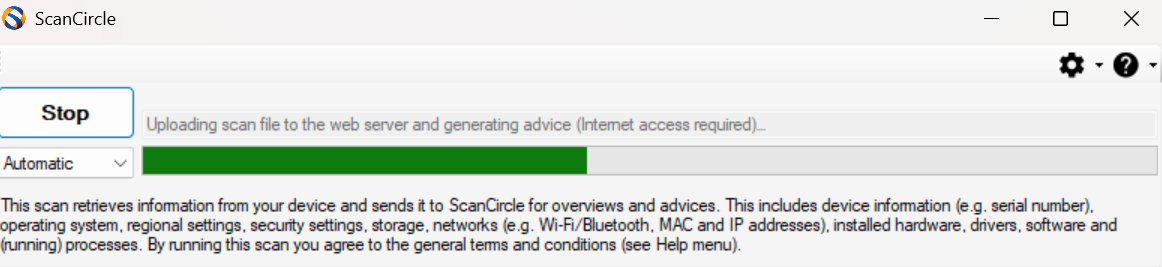
5) The scan will immediately open up after the double click and begin the scan process:
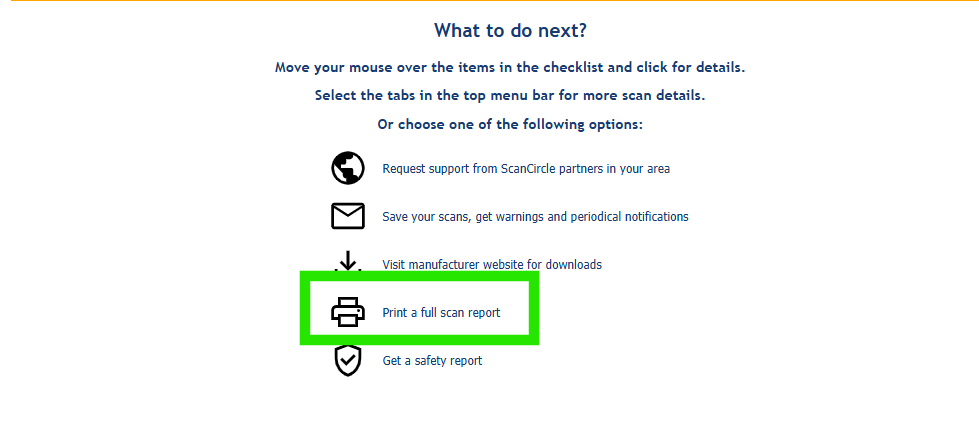
6) Once the scan is complete, it will open to a summary page. Once you are on the page, click "Print a full scan report" as seen below:
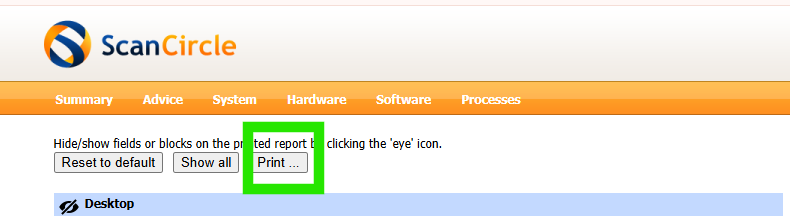
7) Click the "Print" button:
8) Once the Print Preview screen opens, click on the "Destination" setting and ensure that "Save as PDF" is selected, then click "Save" at the bottom of the page.
9) Once the report is saved, attach the report to your next response.